
Meta's LLaMA (Large Language Model Meta AI) 3.2 is a powerful language model designed to handle complex NLP tasks. Running it locally gives you more control and flexibility over data privacy, performance, and customization. We'll use Docker Desktop to set up an isolated environment, Ollama to manage the model, and Open WebUI to provide a user-friendly interface.
Requirements
Before you start, ensure your machine meets the following requirements:
- Windows 10/11 (64-bit)
- Docker Desktop (latest version)
- Ollama (for model management)
- Open WebUI (to interact with LLaMA via a web interface)
- Sufficient storage space for the model (approximately 8–12GB for the LLaMA 7B model)
Installation Process
Here are the fastest process to install it properly:
Step 1: Install Docker Desktop
Docker Desktop enables you to run applications in isolated containers on Windows. Follow these steps to install and configure it:
- Download Docker Desktop from the official Docker website.
- Run the installer and follow the setup instructions.
- Once installed, open Docker Desktop and ensure it’s running. You should see a whale icon in your taskbar if it's active.
To verify Docker is running correctly, open Command Prompt or PowerShell and type:
docker --version
If Docker is installed successfully, it will display the current version.
Step 2: Set Up Ollama for Model Management
Ollama is a popular tool for managing machine learning models. It makes it easier to download, update, and manage versions of models, like Meta LLaMA.
Download Ollama for Windows from Ollama's official site.
Follow the installer instructions. Once installed, verify it by opening a new Command Prompt and typing:
ollama --version
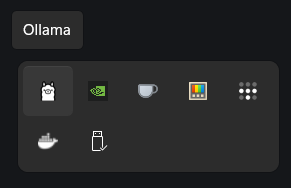
A Llama icon will appear in the Tray.
Download the LLaMA 3.2 7B model with Ollama by running:
ollama run llama3.2This command downloads the LLaMA 3.2 7B model onto your local machine.
If the model loads without issues, your Ollama setup is complete!
Step 3: Install Open WebUI for a User Interface
Open WebUI is a convenient web interface that lets you interact with the LLaMA model through a browser, enhancing accessibility and usability.
Download Open WebUI for Windows using Command Prompt:
docker run -d -p 3000:8080 --add-host=host.docker.internal:host-gateway -v open-webui:/app/backend/data --name open-webui --restart always ghcr.io/open-webui/open-webui:mainIf your Windows host machine is equipped with NVIDIA GPU, here's the command:
docker run -d -p 3000:8080 --gpus all --add-host=host.docker.internal:host-gateway -v open-webui:/app/backend/data --name open-webui --restart always ghcr.io/open-webui/open-webui:cudaThe above command will start the WebUI on port 3000, making it accessible in your browser.
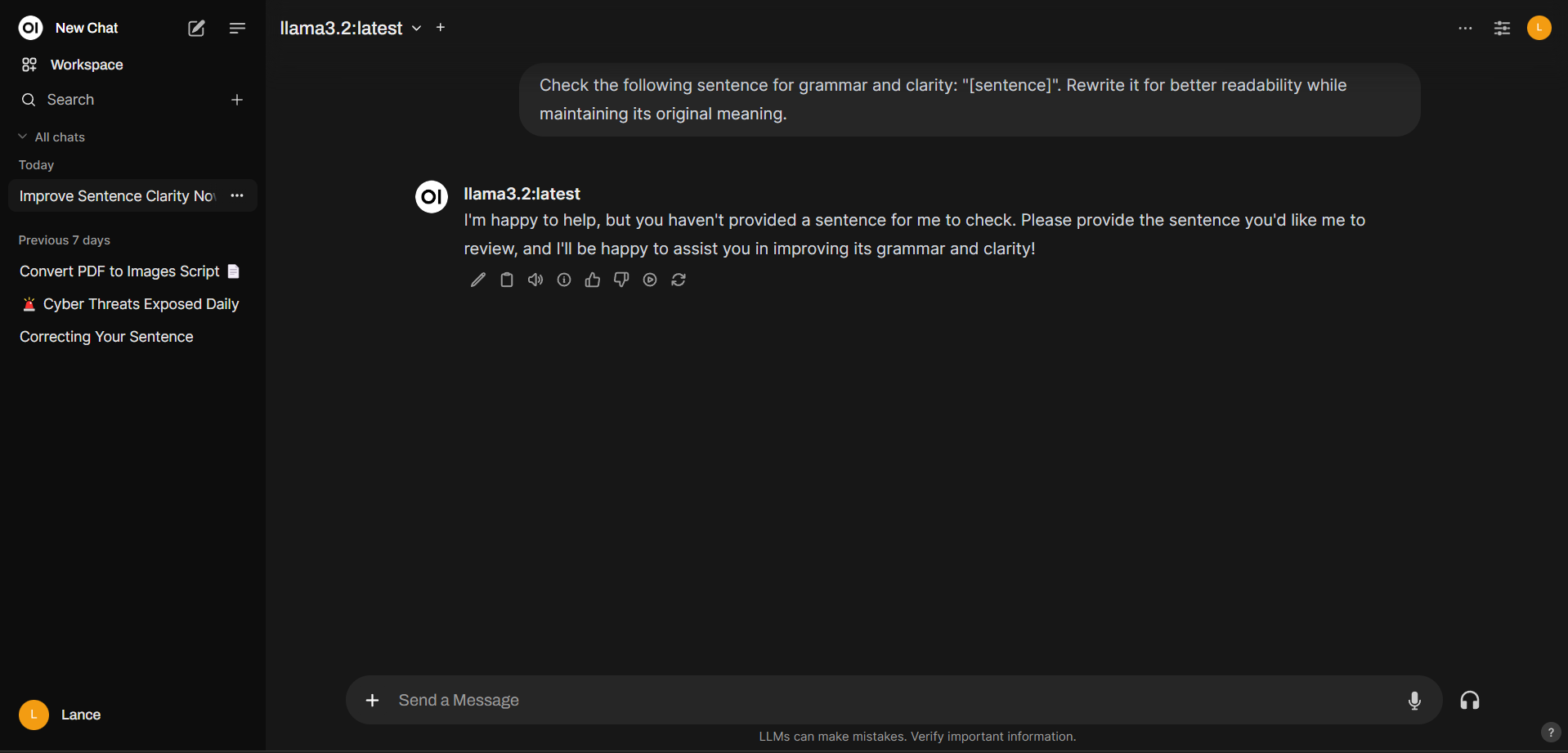
Access the WebUI: Open a browser and go to http://localhost:3000. You should see the Open WebUI interface.
With Docker, Ollama, and Open WebUI all configured, you’re ready to start using the LLaMA model for various NLP tasks directly on your local machine. You can:
- Type in prompts on Open WebUI and explore responses in real-time.
- Customize model parameters through Open WebUI settings to experiment with different response styles.
- Save output for later use by exporting responses from WebUI.
Troubleshooting Tips
- Docker Issues: If Docker Desktop doesn’t start, try restarting your computer. Make sure virtualization is enabled in your BIOS.
- Model Loading Problems: Ensure there’s enough disk space and RAM available. LLaMA 7B models are resource-intensive.
- WebUI Connection Issues: Check that Docker is running and verify the port (
3000) is not blocked by firewalls or other applications.
Sample Prompts
Sample prompt that will help you:
Check the following sentence for grammar and clarity: "[sentence]". Rewrite it for better readability while maintaining its original meaning.
Show me a code snippet of a website's sticky header in CSS and JavaScript.
What are 5 creative things I could do with my kids' art? I don't want to throw them away, but it's also so much clutter.
By following these steps, you now have Meta’s LLaMA 3.2 7B model running locally on Windows. This setup, powered by Docker Desktop, Ollama, and Open WebUI, enables you to explore and utilize LLaMA's powerful language generation abilities from the comfort of your machine.